



Matheus
Serverfy Engineering
Why Most Teams Monitor Too Late
Most teams don't set up monitoring until after their first major outage. By then, the damage is done — users lost, revenue missed, trust broken. Proactive monitoring is the difference between "we caught it before it became a problem" and "we're investigating the root cause of yesterday's 2-hour outage."
The 4 Metrics That Matter
| Metric | What to Watch | Alert Threshold |
|---|---|---|
| CPU Usage | Sustained spikes indicate runaway processes or insufficient compute | > 80% for 5+ minutes |
| Memory | Memory leaks or OOM kills crash your app | > 85% used |
| Disk Usage | Logs, uploads, and cache fill disks silently | > 80% capacity |
| Network I/O | Unusual spikes can indicate DDoS or misconfigured services | Unusual patterns |
Laravel-Specific Things to Watch
- Queue backlog — If jobs pile up, check your worker count and memory limits
- PHP-FPM pool — Max children exhaustion causes 502 errors
- MySQL connections — Connection exhaustion crashes your app silently
- Disk I/O — Heavy database writes can bottleneck on slow disks
Built-in vs Third-Party Monitoring
| Approach | Pros | Cons |
|---|---|---|
| Third-party (Datadog, New Relic) | Deep insights, APM | $15-50+/server/mo, complex setup |
| DIY (Prometheus + Grafana) | Free, customizable | Hours to set up, maintain, and alert |
| Serverfy built-in | Zero setup, alerts included | Focused on server metrics (not APM) |
For most Laravel teams, Serverfy's built-in monitoring covers 90% of what you need. If you need deep APM (tracing individual requests), complement with Laravel Telescope or a lightweight APM.
Set Up Monitoring in Serverfy
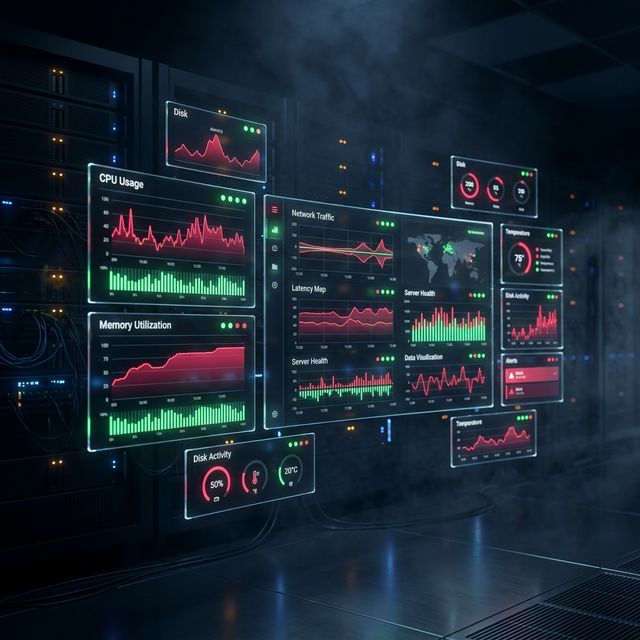
Serverfy starts collecting server metrics automatically when you provision a server. Navigate to Server → Monitoring to see historical charts for CPU, memory, disk, and network. Configure alert thresholds in Server → Alerts to get notified before problems become outages.